
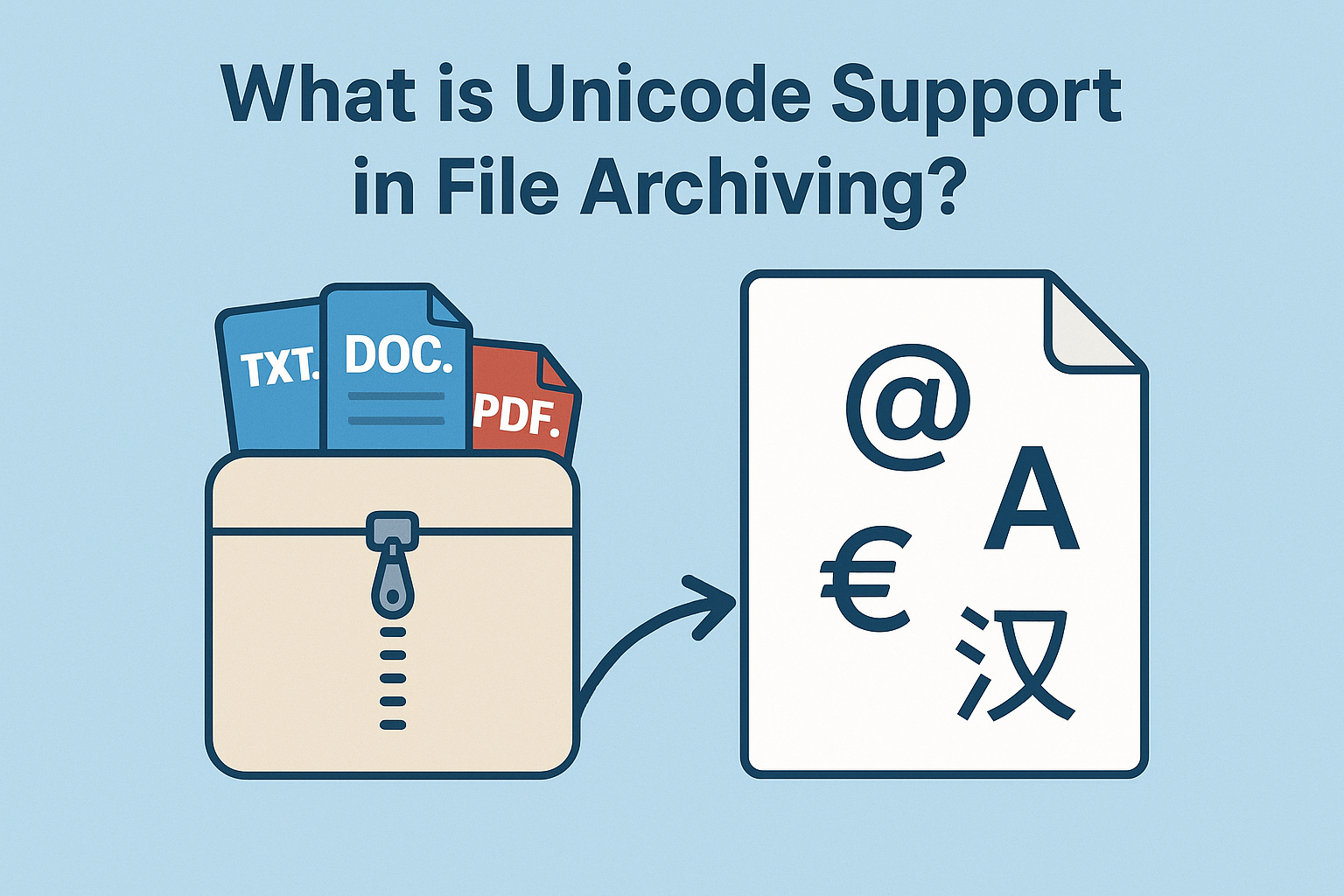
In a world where organizations exchange information across languages, borders, and character sets, handling data consistently has become more complex than ever. For IT professionals and data managers, one subtle but crucial aspect of this challenge is Unicode support – especially when it comes to file archiving systems.
Unicode might sound like a technical detail, but without proper support for it, file names, folder structures, and metadata can quickly become corrupted, unreadable, or even inaccessible. For global businesses, that can lead to broken workflows, compliance risks, and unnecessary data loss.
So, what exactly is Unicode support in file archiving, and why does it matter so much for modern enterprises? Let’s unpack the concept.
Understanding Unicode
Unicode is a universal character encoding standard designed to represent virtually every character used in written languages across the world. It includes scripts such as Latin, Cyrillic, Arabic, Chinese, and many others, as well as symbols, emojis, and technical characters.
Before Unicode, computing systems relied on different encoding standards like ASCII, ISO-8859, or Shift-JIS, which could only handle a limited set of characters. As a result, a file created on one system might display garbled text when opened on another that used a different encoding.
Unicode solved this by providing a unified system that assigns a unique numeric value (a code point) to every character, regardless of platform or language.
For file systems, Unicode ensures that names like “合同.docx,” “résumé.pdf,” and “данные.txt” can all coexist and remain accessible on the same server without conflict.
Why Unicode Support Matters in File Archiving
When files are archived, i.e., moved from live storage to secondary systems for long-term retention, the system must preserve not only the content but also file names, metadata, and directory structures.
If the archiving software lacks proper Unicode support, several issues can arise:
- File name corruption: Non-ASCII characters may be replaced with random symbols or question marks.
- Access errors: Systems that can’t interpret the encoding may fail to retrieve or open archived files.
- Metadata loss: Important contextual information, such as author names or file descriptions in non-Latin languages, can be lost.
- Compliance risks: If archived records are required for audits or legal purposes, corrupted filenames can make it impossible to locate the correct files.
Unicode support ensures data integrity during these transitions, regardless of language or character set.
How File Archiving Systems Handle Unicode
A well-designed archiving system treats Unicode as a first-class citizen. It encodes and decodes file names, attributes, and metadata using standardized Unicode formats (such as UTF-8 or UTF-16), ensuring consistency across all file operations.
When archiving, the system reads each file’s name and metadata in its original encoding and converts them into Unicode. When restoring or accessing files, it performs the reverse conversion seamlessly, preserving their readability and meaning.
To achieve this, file archiving software must integrate Unicode handling at every level:
- File system interface: The software must communicate properly with the underlying operating system, ensuring that all file names are processed in Unicode-compatible formats.
- Storage engine: The database or index that tracks archived files must also store names and metadata in Unicode to prevent corruption.
- User interface and APIs: When users search for or retrieve files, Unicode support allows multilingual queries to return accurate results.
When these layers work together, users can archive and restore files in any language, whether Japanese engineering documents, German invoices, or Arabic contracts, without errors or renaming.
The Globalization of Data Management
Today’s businesses are rarely confined to one language or region. A single shared file server might host content from offices in London, Tokyo, São Paulo, and Dubai with each producing files in their native languages.
Without Unicode support, this multilingual landscape becomes a minefield of inconsistencies. Systems may misinterpret file names, search functions may fail to return relevant results, and synchronization tools might even duplicate or overwrite data.
Unicode is therefore foundational to global interoperability, ensuring that digital archives remain accurate, discoverable, and compliant, no matter where they originate.
Challenges Without Unicode Support
Let’s consider what can go wrong when Unicode is not properly supported in file archiving:
- Data fragmentation: Files with unsupported characters may be skipped or excluded from archives, leading to incomplete backups.
- User frustration: Employees can’t retrieve files using native-language searches if the characters were lost during archiving.
- Cross-platform failures: Files archived on Windows systems may not open correctly on Linux or macOS if encoding isn’t consistent.
- Compliance gaps: Legal or financial records stored with corrupted file names may be deemed invalid or unverifiable during audits.
These issues can be subtle at first – a few unreadable file names here, a failed restore job there – but over time they erode confidence in the archive’s reliability.
Unicode and Modern File Systems
Most modern operating systems already support Unicode file naming conventions. Windows, macOS, and Linux all rely on Unicode-based APIs for handling files. However, not all archiving software fully leverages these capabilities.
A truly Unicode-compliant archiving solution preserves file paths, permissions, and metadata exactly as they appear in the source environment, using native file system APIs to avoid conversion errors.
For example, ArchiverFS, a product from MLtek, supports Unicode throughout the archiving process. It can move and manage files with names in any language across Windows-based storage systems while retaining all metadata and security attributes.
Because ArchiverFS operates directly on NTFS and ReFS file systems without relying on proprietary databases, it preserves every character accurately. This allows organizations to maintain multilingual archives with complete fidelity, a key requirement for global enterprises or those working with international clients.
Unicode in Hybrid and Cloud Environments
Unicode support is equally important when archiving to hybrid or multi-cloud environments.
Files might originate in different character encodings – for instance, from regional file servers in Asia or Europe – before being consolidated into a central archive. Without Unicode normalization, file names might conflict, duplicate, or fail during migration.
A Unicode-aware archiving platform ensures seamless integration across diverse systems and storage tiers, preventing data corruption when files move between local servers, NAS devices, or cloud storage providers.
Modern solutions like MLtek’s software make it possible to maintain a consistent Unicode standard across all storage endpoints, providing reliable interoperability even in complex hybrid setups.
Unicode and Data Compliance
Compliance regulations don’t just care about the data itself, they also care about accessibility and traceability.
If an archived file name becomes unreadable because of encoding issues, auditors may consider it “unavailable,” which could jeopardize regulatory standing. Unicode support eliminates this risk by ensuring all records remain discoverable, regardless of language.
This is particularly critical for international organizations subject to frameworks like GDPR or ISO 27001, which require data to remain intact and accessible for specified retention periods. Unicode compatibility ensures compliance without introducing unnecessary translation or renaming processes.
Best Practices for Unicode-Aware Archiving
Implementing Unicode support in your file archiving strategy doesn’t require a complete overhaul, but it does require awareness and proper tooling. Here are some best practices:
- Audit your existing data: Identify files using non-Latin characters and confirm that your archiving software handles them correctly.
- Use standardized encodings: Ensure systems use UTF-8 or UTF-16 consistently across platforms.
- Test multilingual restores: Regularly test file retrieval using names in different scripts to confirm data integrity.
- Choose Unicode-compliant software: Select archiving tools, such as ArchiverFS, that natively support Unicode file names, paths, and metadata.
- Maintain consistent policy enforcement: Automate archiving based on file attributes, not just name conventions, to avoid skipping localized data.
- Document encoding standards: Maintain internal documentation that defines how data should be named, stored, and archived globally.
These steps ensure that your archive remains not only efficient but also language-agnostic, capable of serving users from any region without technical barriers.
The Future of Unicode in File Management
As globalization accelerates and organizations operate across multiple regions, Unicode will continue to underpin interoperability in digital systems. Advances in automation and AI-driven archiving will only make consistent encoding more essential.
Vendors like MLtek are at the forefront of this evolution, building tools that treat Unicode as a foundational requirement rather than an optional feature. By integrating robust Unicode support into solutions like ArchiverFS, they help businesses ensure that multilingual data remains intact, searchable, and compliant throughout its lifecycle.
Conclusion
Unicode support in file archiving isn’t just a technical checkbox, it’s a cornerstone of data integrity, accessibility, and global collaboration. Without it, organizations risk losing valuable information every time files move between systems or languages.
By adopting Unicode-compliant archiving solutions and following best practices for encoding consistency, businesses can create archives that truly reflect the diversity of their global operations, ensuring every file, in every language, remains protected and accessible for years to come.
Apart from that, if you are interested to know about Mini Printer for the Phone then visit our Tech category.