
Introduction
In today’s fast-paced digital world, convenience and creativity often go hand in hand, especially when it comes to printing. Whether you’re an avid traveler, a scrapbook enthusiast, or a small business owner, having the ability to print instantly from your smartphone can make life simpler and more exciting.
Enter the mini printer for the phone, a compact, portable solution designed to let you print photos, labels, notes, or even documents directly from your mobile device. These pocket-sized printers combine wireless technology with user-friendly apps to deliver on-the-go printing without the need for bulky equipment or messy ink cartridges.
From capturing memories in real-time to labeling your workspace or creating thoughtful photo gifts, mini printers have transformed everyday tasks into creative, personalized experiences.
| Feature | Details |
| Connectivity | Bluetooth 5.0/Wi-Fi |
| Printing Technology | ZINK (Zero Ink), Thermal, Instant Film |
| Compatible Devices | iOS and Android smartphones |
| Print Size | Typically 2×3 inches for photos, 57mm–80mm for labels/notes |
| Battery | USB rechargeable, average 20–50 prints per charge |
| App Integration | Yes, edit, customize, and print directly from a mobile app |
| Best For | Photos, Labels, Notes, DIY Projects, Small Business Use |
| Popular Models | HP Sprocket Select, Fujifilm Instax Mini Link 2, Phomemo M110, Canon Ivy CLIQ+2 |
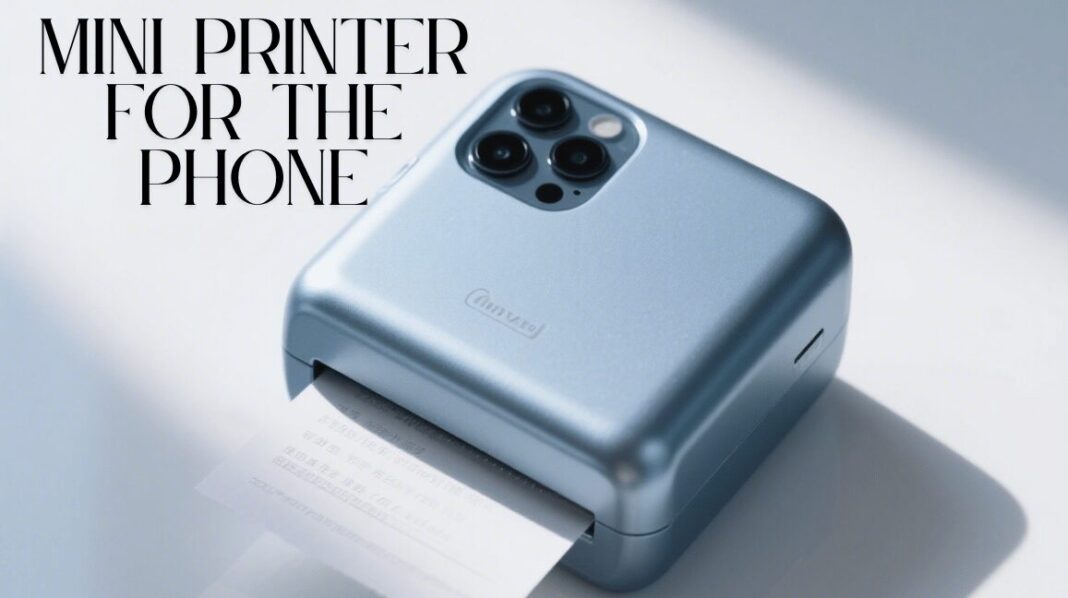
Mini Printer for the Phone
A mini printer for the phone is a compact, portable device designed to print photos, labels, notes, or documents directly from a smartphone without the need for a traditional desktop setup. These printers typically connect to your phone via Bluetooth or Wi-Fi and work in tandem with a dedicated mobile app that allows users to select, edit, and customize what they want to print.
Using advanced technologies like ZINK (Zero Ink) or thermal printing, mini printers eliminate the need for messy ink cartridges, making them cleaner and more convenient to use. Their small size makes them incredibly travel-friendly, allowing users to print instantly from anywhere, whether it’s capturing moments during a trip, creating DIY crafts, printing address labels, or sharing photo keepsakes at parties and events.
These devices are especially popular among travelers, scrapbookers, small business owners, and creative professionals who value immediacy and portability. With features like customizable templates, high-resolution photo output, and battery-powered operation, mini printers for phones offer a seamless blend of technology, creativity, and convenience in one pocket-sized gadget.
How Do Mini Printers Work?
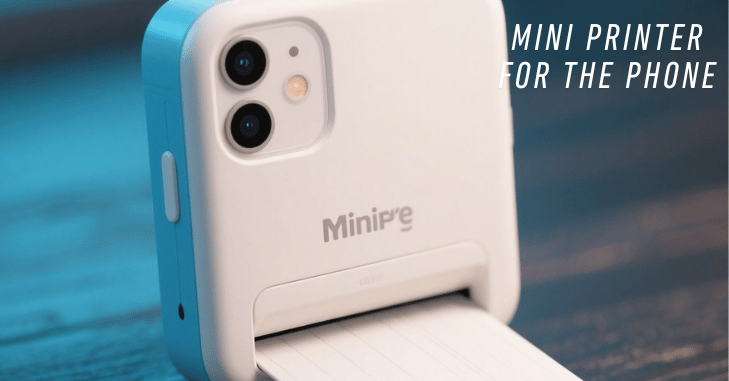
Mini printers typically work with a companion app that can be downloaded to your smartphone. Once connected, users can select photos, documents, or templates from their phone gallery or cloud storage, edit them within the app (such as adding filters, stickers, or borders), and send them directly to the printer. Here’s how it works step-by-step:
- Connect via Bluetooth/Wi-Fi: Pair your phone with the printer using the manufacturer’s app.
- Choose What to Print: Select a photo, note, or design.
- Customize: Many apps allow you to add edits or fun features.
- Print Instantly: Send it to the printer and receive a printout in seconds.
Types of Mini Phone Printers
1. Photo Printers
Designed specifically for printing high-quality photos on the go. Popular models include
- HP Sprocket
- Canon Ivy
- Fujifilm Instax Mini Link
2. Label & Note Printers
Ideal for office work, organization, or crafts.
- Phomemo M02
- Paperang P2
- NIIMBOT D11
Key Features to Look For
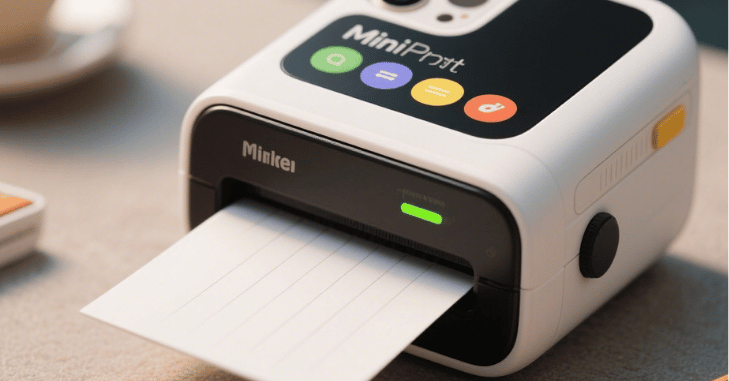
When choosing a mini printer for your phone, it’s important to consider several key features to ensure you get the best value and performance. Connectivity options are crucial; opt for Bluetooth 5.0 or a stable Wi-Fi connection to ensure seamless syncing with your smartphone.
Battery life is another important factor, as most mini printers are rechargeable via USB and typically provide a few dozen prints per charge, making them ideal for on-the-go use. Next, consider print quality. Photo printers usually offer a resolution of 300 DPI or higher, producing sharp and vibrant images, while label printers focus more on text clarity.
Print size also matters, depending on your needs; common sizes include 2×3 inches for ZINK photo paper and 57mm or 80mm widths for labels and notes. The functionality of the companion app is equally important. A user-friendly app enhances your printing experience with features like templates, fonts, filters, and stickers.
Best Uses for Mini Phone Printers
| Use Case | Description |
| Travel Journals & Scrapbooking | Print photos on the go and stick them directly into a journal for real-time memories. |
| Instant Photo Gifts | Perfect for birthdays, weddings, or parties where guests can take a photo souvenir home. |
| Home Organization | Use label printers to organize kitchen jars, cables, files, and more. |
| Small Business Use | Great for printing receipts, shipping labels, or QR codes for pop-up shops or kiosks. |
| Creative Projects | Artists and designers can print sketches, stickers, and inspiration boards anywhere. |
Pros and Cons
| Pros | Cons |
| Portable and lightweight | Small print size only |
| Ink-free options available | Not ideal for high-volume use |
| Easy app integration | Limited print customization |
| Great for instant memories | Print quality varies by model |
Top Mini Printer Models (2025 Edition)
Fujifilm Instax Mini Link 2
- Great for creative prints and social sharing
- AR effects through the app
- Uses instant film for retro-style photos
HP Sprocket Select
- ZINK-based, smudge-proof photo printing
- Sleek and stylish
- Excellent app features
Phomemo M110
- Versatile label printer
- Supports different paper widths
- Ideal for business and home use
Canon Ivy CLIQ+2
- Combining a camera and a printer
- Built-in selfie mirror and ring light
- Fun for parties and social events
Future of Mini Phone Printing Technology
Mini printers for phones are expected to become even more advanced in the coming years as manufacturers focus on improving print quality, speed, and smart connectivity features. Newer models are likely to integrate AI-powered editing tools within mobile apps, allowing users to enhance images automatically before printing.
There is also growing development in eco-friendly printing materials, such as recyclable thermal paper and improved ZINK technology for longer-lasting prints. In addition, better battery efficiency and faster wireless pairing are making these devices more practical for frequent use. As smartphone photography continues to grow, mini printers are set to play an even bigger role in turning digital memories into tangible, shareable keepsakes instantly.
Conclusion
Mini printers for the phone have become more than just gadgets; they are tools of expression, organization, and convenience. With their portability, ease of use, and versatile features, they cater to a wide range of needs, from capturing travel memories to streamlining business operations.
As technology continues to evolve, these devices are becoming smarter, more efficient, and increasingly indispensable for modern lifestyles. Whether you’re printing a spontaneous photo, labeling your pantry, or designing a custom gift, a mini printer in your pocket ensures that your creativity never has to wait.
Apart from that, if you are interested to know about “Lenovo IdeaPad Flex 5: A Versatile 2-in-1 Laptop for Everyday Use, Keyboard and Touchpad” then visit our “Tech” category.
FAQs
An internet connection is not always required for a wireless printer to print. All that is needed is a direct Bluetooth® connection to the printing equipment or a nearby WiFi network.
Indeed, there are other ways to link a printer to a mobile device: WiFi: Wi-Fi networking is supported by many contemporary printers.
WiFi printers offer adaptability and multi-user connectivity, while Bluetooth® printers are portable and easy to operate, making them perfect for activities that require constant attention.
You must use a printer that supports Wi-Fi Direct in order to print from an Android phone without internet access. Use Bluetooth or USB to connect.