
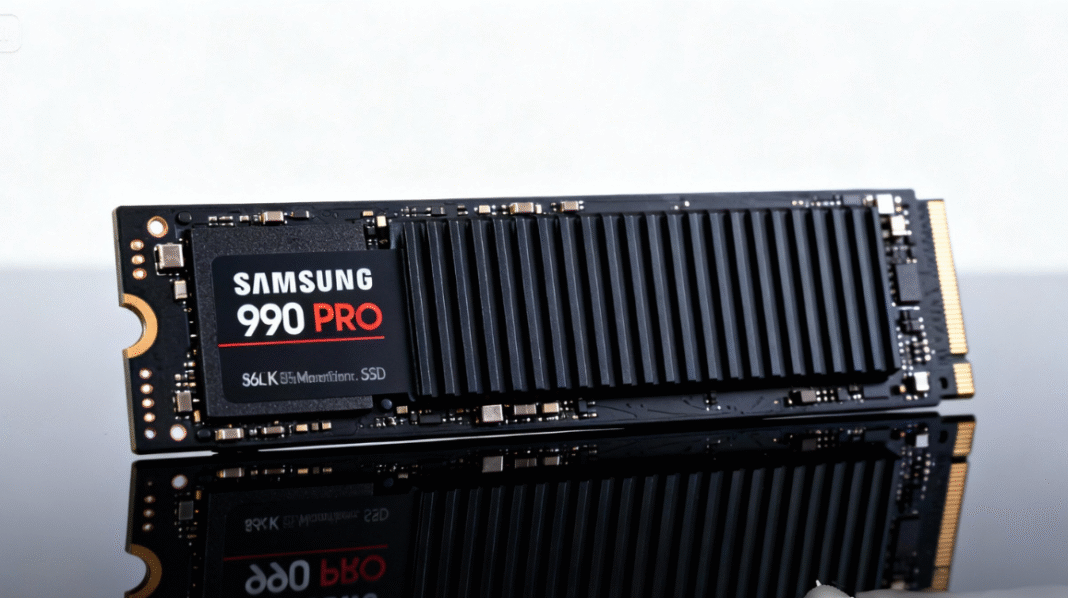
Samsung 990 Pro
The Samsung 990 Pro continues Samsung’s legacy of delivering high-performance storage solutions for gamers, content creators, and power users. Designed with cutting-edge PCIe 4.0 technology, advanced thermal management, and exceptional read/write speeds, the 990 Pro stands out as one of the fastest and most efficient consumer SSDs available today.
Whether you’re building a high-end gaming PC, editing large media files, or upgrading your everyday system, the Samsung 990 Pro offers a powerful combination of speed, reliability, and long-term endurance.
| Category | Description |
| Samsung 990 Pro Interface | PCIe 4.0 x4 NVMe 1.4 |
| Capacities | 1TB, 2TB, 4TB |
| Read Speed | Up to 7,450 MB/s |
| Write Speed | Up to 6,900 MB/s |
| Random IOPS | Up to 1.55M write / 1.4M read |
| Form Factor | M.2 2280 |
| Thermal Features | Dynamic Thermal Guard, optional heatsink |
| Power Efficiency | ~5.5W active, ~0.5W idle |
| Software | Samsung Magician (health monitoring, optimization) |
| Use Cases | Gaming, content creation, and fast system upgrades |
| Endurance (TBW) | 600 TBW (1TB), 1200 TBW (2TB), 2400 TBW (4TB) |
Samsung’s Legacy in Storage
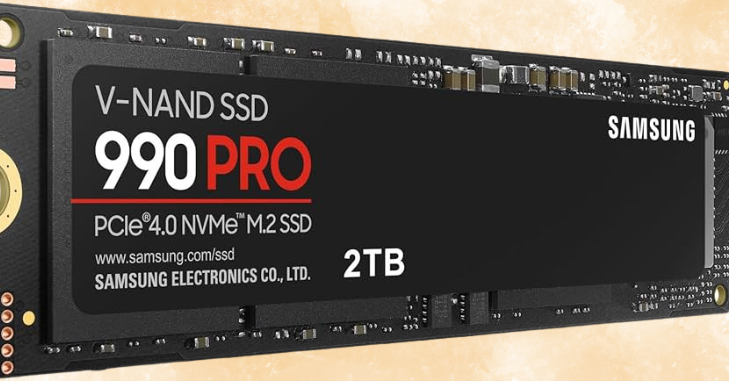
Samsung has been at the forefront of SSD technology for years, consistently delivering high-quality drives known for their speed and reliability. The 990 Pro is part of their latest lineup, designed to cater to the needs of gamers and content creators who demand top-tier performance.
Key Features
- PCIe 4.0 Interface: Utilizing the PCIe 4.0 standard, the 990 Pro can achieve significantly higher speeds compared to previous generations.
- Advanced Thermal Management: Built-in technologies to manage heat, ensuring consistent performance during intensive tasks.
- Dynamic Thermal Guard: Helps maintain optimal temperatures to prevent throttling under heavy workloads.
- Samsung Magician Software: Allows users to monitor drive health, manage firmware updates, and optimize performance.
Specifications of the Samsung 990 Pro
The specifications of the Samsung 990 Pro highlight its capabilities and potential applications:
- Capacity Options: Available in 1TB, 2TB, and 4TB variants.
- Interface: PCIe 4.0 x4 NVMe 1.4
- Sequential Read Speed: Up to 7,450 MB/s (depending on capacity).
- Sequential Write Speed: Up to 6,900 MB/s (depends on capacity).
- Random Read IOPS: Up to 1,400K.
- Random Write IOPS: Up to 1,550K.
- Endurance / Reliability: 1TB model rated at 600 TBW, 2TB model at 1,200 TBW, and the 4TB model at 2,400 TBW.
- Form Factor: M.2 2280.
- NAND Type: V-NAND (Samsung’s proprietary 3D NAND technology).
Performance Analysis
Real-World Performance
The Samsung 990 Pro SSD excels in real-world use cases, thanks to its impressive read and write speeds. This performance is particularly beneficial for:
- Gaming: Rapid load times lead to seamless gameplay experiences and faster map loading in open-world games.
- Content Creation: Large file transfers, video editing, and handling high-resolution assets are significantly faster due to the high throughput.
Benchmarking
When subjected to benchmarking tests, the 990 Pro consistently achieves read speeds close to its advertised maximum and write speeds that push the limits of SSD technology. For instance, in synthetic benchmarks such as CrystalDiskMark and AS SSD, the 990 Pro often ranks at the top of the charts for consumer SSDs.
Thermal Performance
Samsung has integrated advanced thermal management technologies in the 990 Pro to maintain operational efficiency under load. It employs:
- Dynamic Thermal Guard: This feature helps in regulating temperatures to avoid thermal throttling.
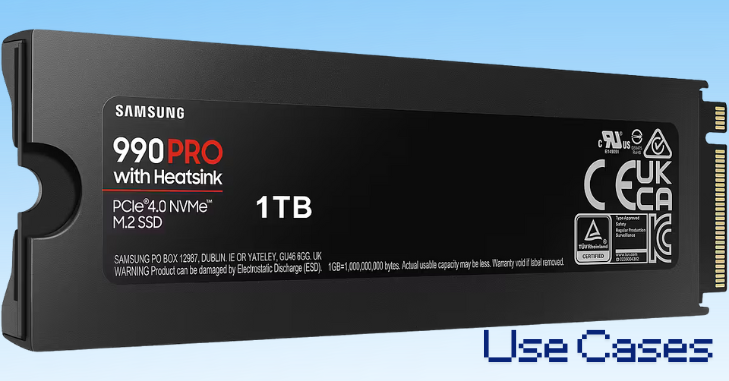
- Heatsink Options: Models equipped with heatsinks offer improved performance and longevity, especially in gaming scenarios or heavy workloads.
Power Efficiency
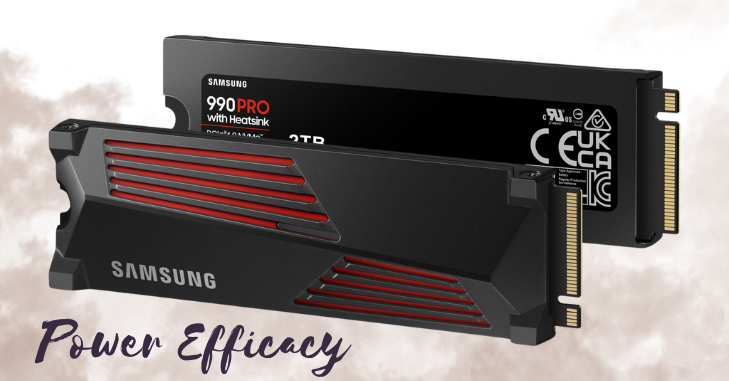
Power efficiency is crucial for both desktop and laptop users. Consuming less power leads to longer battery life in laptops and reduced energy bills for desktops.
Performance vs. Power Efficiency
The Samsung 990 Pro strikes a balance between performance and power efficiency. While delivering high-speed performance, it maintains relatively low power consumption levels. This efficiency results from:
- Advanced Controller Technology: The drive uses Samsung’s latest controller, optimizing data management and reducing unnecessary energy use.
- NAND Technology: The 3D NAND technology allows for better data density, reducing the amount of power needed to access and write data.
Power Consumption Metrics
- Active Power Consumption: Approximately 5.5W during read/write operations.
- Idle Power Consumption: Around 0.5W, making it suitable for uses where power efficiency is essential.
Software and Management
Samsung provides proprietary software to manage SSDs, including the 990 Pro. The Samsung Magician software offers numerous features:
- Drive Health Monitoring: Check the health status and remaining lifespan of your SSD.
- Firmware Updates: Ensure your SSD is always running the latest firmware to maximize performance and security.
- Performance Optimization: The software allows you to enable specific features to optimize the drive for various workloads, including gaming or content creation.
Security Features
The 990 Pro includes hardware encryption to protect data without compromising performance. It supports AES 256-bit encryption, ensuring that sensitive information remains secure, even if the physical drive is compromised.
Use Cases
For Gamers
Gamers will benefit immensely from the Samsung 990 Pro due to its high-speed performance. It minimizes loading times, enhances responsiveness, and supports better game textures and environments.
For Content Creators
For video editors, 3D modelers, and other creative professionals, the ability to transfer large files quickly can streamline workflows. The 990 Pro’s rapid write speeds significantly reduce the time needed for tasks like rendering or exporting videos.
For General Users
Even general users will notice performance improvements in everyday tasks like boot times, file transfers, and application loading. The 990 Pro provides a noticeable upgrade from traditional HDDs or older SSDs.
Comparison with Other SSDs
Samsung 980 Pro vs. Samsung 990 Pro
The Samsung 990 Pro is designed to outperform its predecessor, the 980 Pro. Here are some key differences:
- Performance: The 990 Pro touts increased sequential read/write speeds compared to the 980 Pro, particularly beneficial for high-speed tasks.
- Thermal Management: The 990 Pro features advanced thermal management technologies that help maintain performance under load.
- Endurance Ratings: An updated endurance rating allows for more intensive use, with higher TBW values across similar capacities.
Competition
The Samsung 990 Pro faces competition from other high-performance drives on the market. Notable competitors include:
- WD Black SN850X: Known for its performance, it also supports PCIe 4.0 and is targeted at gamers.
- Sabrent Rocket 4 Plus: Offers comparable speeds and is often priced competitively against the 990 Pro.
Each of these models has unique features and performance metrics that may cater to different user needs; however, the Samsung 990 Pro often stands out due to its brand reputation and reliable performance.
Installation and Compatibility
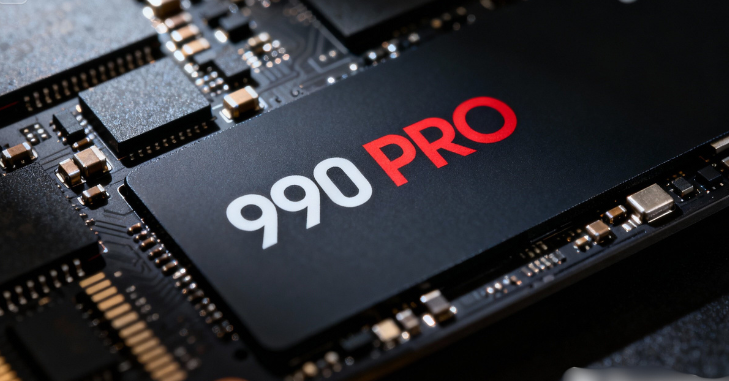
Installing the Samsung 990 Pro SSD
Installing an M.2 SSD like the 990 Pro is generally straightforward. Here’s a simple guide:
- Check Compatibility: Ensure your motherboard has an M.2 slot and supports PCIe 4.0.
- Gather Tools: A Phillips screwdriver is typically required to secure the SSD.
- Power Down: Turn off the computer and unplug it from the wall.
- Locate the M.2 Slot: Open the computer case and find the M.2 slot on your motherboard.
- Insert the SSD: Align the SSD with the key and gently slide it into the slot.
- Secure the SSD: Use the provided screw to secure the SSD.
- Reassemble: Close the case, reconnect power, and boot up the machine.
Compatibility with Operating Systems
The 990 Pro is compatible with most operating systems, including:
- Windows 10 and 11: Full support for high-speed performance.
- Linux: Works with various distributions, although specific drivers may be needed.
- Mac: Limited compatibility; may require specific hardware modifications.
Conclusion
The Samsung 990 Pro SSD stands as a premier choice for anyone seeking optimal performance in storage technology. With its impressive read and write speeds, advanced thermal management, and robust software support, it caters to gamers, content creators, and general users alike.
Its combination of high capacity, reliability, and cutting-edge performance makes it an investment worth considering for those looking to upgrade their storage solutions.
As technology continues to advance, the 990 Pro sets a high bar for future SSDs, showcasing Samsung’s commitment to providing exceptional quality and performance in the world of storage.
Whether you’re building a high-end gaming rig or seeking an upgrade for content creation, the Samsung 990 Pro is undoubtedly a standout option.
Want to know about Honor 400 Pro Review: Full Specs, Price, Features, Battery life, Camera Capability, and more info Check out our Tech category.
FAQs
990 PRO offers sequential read/write speeds up to 7,450/6,900 MB/s , reaching near the max performance of PCIe® 4.0. 40% and 55% faster random read/write speeds than 980 PRO 2TB – up to 1,400K/1,550K IOPS, while 4TB even higher random read speed of up to 1,600K IOPS.
The SAMSUNG 990 PRO 2TB SSD is widely praised for its exceptional speed and performance, making it ideal for high-end computing, gaming, and workstations. Users appreciate its fast installation process, robust build quality, and reliability.
The 990 PRO is up to 50% more efficient (performance per watt) than its zspredecessor, meaning it delivers higher speeds without proportionally higher power draw. Lower power consumption for the same amount of work means less heat generated overall.