

What to Know About The Gaming Monitors?
Gaming monitors have become essential for serious players, offering features like 144Hz–360Hz refresh rates, 1ms response times, and cutting-edge sync technologies. This article explores top gaming monitors like the ASUS ROG Swift PG259QN, built for esports with 360Hz speed, and the 32” Gigabyte M32U, ideal for console gamers with HDMI 2.1.
With resolutions ranging from Full HD to 4K, panel types such as IPS and VA, and both flat and curved designs, these monitors deliver superior performance, clarity, and immersion for every gaming style. Whether competitive or casual, today’s best monitors transform your gaming experience through speed, sharp visuals, and fluid motion.
| Monitor Name | Screen Size | Resolution | Refresh Rate | Response Time | Panel Type | Sync Tech | Key Feature Highlight |
| ASUS ROG Swift PG259QN | 24.5” | Full HD | 360Hz | 1ms | IPS | NVIDIA G-SYNC | Ultra-high refresh for competitive esports |
| Acer Predator XB273K | 27” | 4K UHD | 144Hz | ~4ms (typical) | IPS | NVIDIA G-SYNC | Sharp 4K visuals with wide color accuracy |
| Samsung Odyssey G7 | 27” | QHD (1440p) | 240Hz | 1ms | VA | G-SYNC & FreeSync | 1000R curve for deep immersion |
| LG UltraGear 27GN950-B | 27” | 4K UHD | 144Hz | 1ms | IPS | NVIDIA G-SYNC | 4K + HDR600 for vivid gaming visuals |
| Gigabyte M32U | 32” | 4K UHD | 144Hz | 1ms | IPS | FreeSync Premium Pro | HDMI 2.1 support for PC & next-gen consoles |
Gaming Monitors Explained
ASUS ROG Swift PG259QN
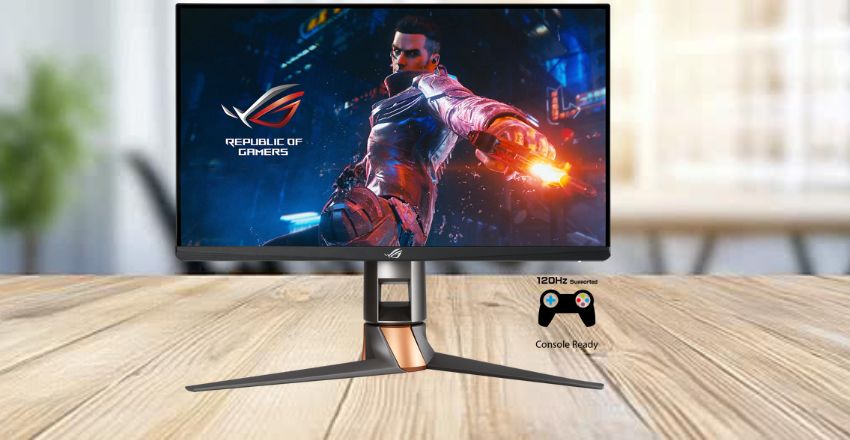
This 24.5-inch monitor is perfect for esports fans. It features a blazing-fast 360Hz refresh rate and a 1ms response time, providing competitive players with the edge they need. The Full HD resolution ensures sharp visuals without overloading your GPU. With NVIDIA G-SYNC support and excellent build quality, this gaming monitor delivers ultra-smooth gameplay, featuring zero screen tearing and input lag during fast-paced matches.
Acer Predator XB273K
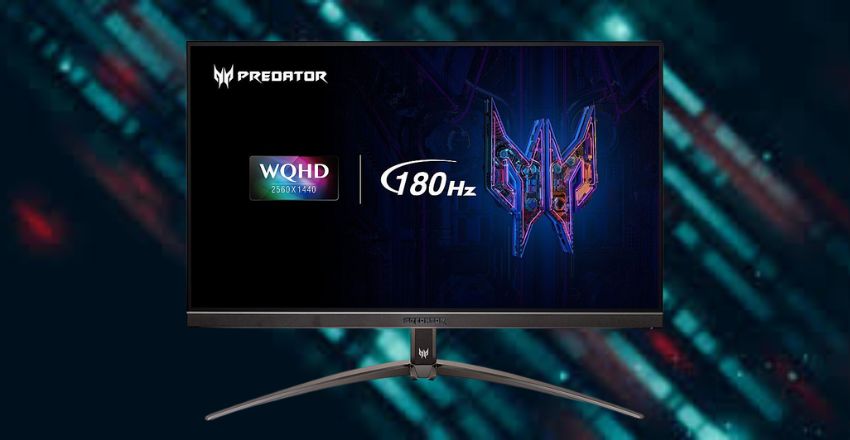
A great 27-inch 4K gaming monitor that combines stunning visuals with solid performance. It offers a 144Hz refresh rate and G-SYNC compatibility, making it perfect for high-end gaming PCs. The IPS panel provides accurate colors and wide viewing angles. This monitor is ideal for gamers who want sharp 4K resolution without sacrificing refresh rate or gaming smoothness, especially in AAA and adventure titles.
Samsung Odyssey G7
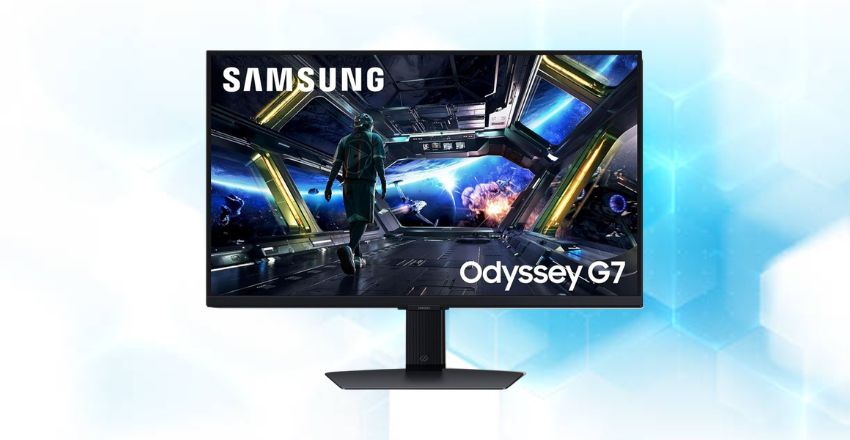
The Odyssey G7 features a 1000R curved screen that wraps around your vision for a truly immersive experience. With a 240Hz refresh rate, 1ms response time, and QHD resolution, this gaming monitor is designed for speed and high-quality visuals. Its VA panel gives deep contrast, and it supports both G-SYNC and FreeSync. It’s ideal for gamers who want immersion and top-tier performance.
LG UltraGear 27GN950-B
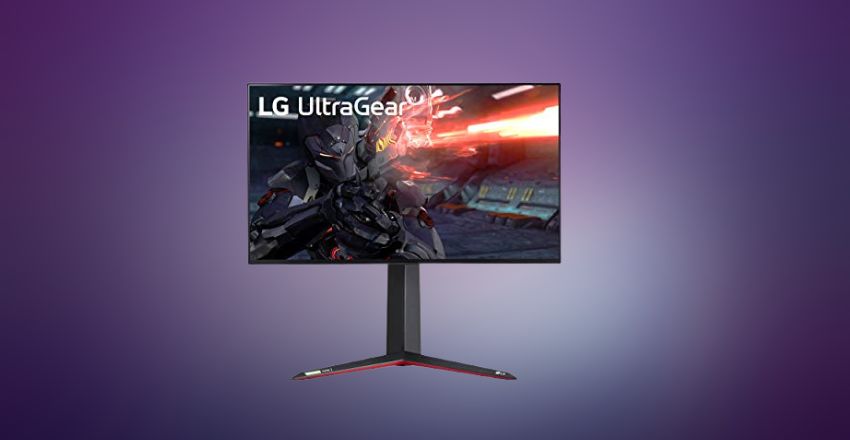
This 27-inch gaming monitor combines 4K resolution with a 144Hz refresh rate and a fast 1ms response time. It utilizes an IPS panel for vibrant colors and wide viewing angles. With NVIDIA G-SYNC compatibility and DisplayHDR 600 support, this monitor delivers outstanding visuals for both gaming and media. It’s an excellent choice for gamers who want detail, speed, and future-proof display technology.
Gigabyte M32U
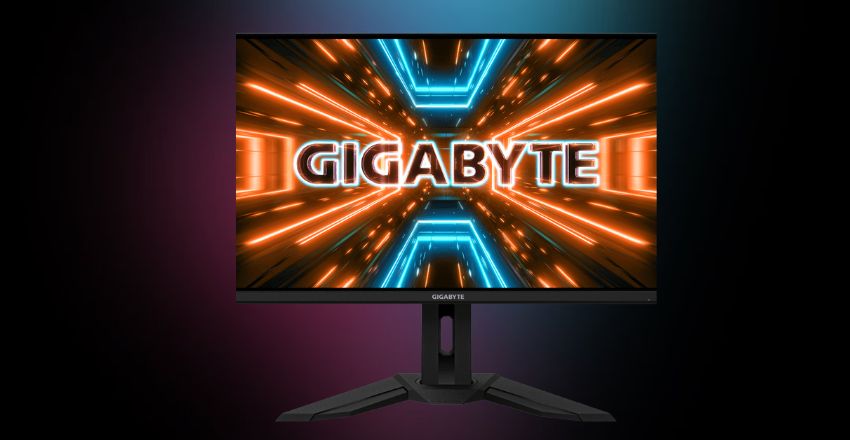
The Gigabyte M32U is a 32-inch 4K gaming monitor with a 144Hz refresh rate and excellent color accuracy. It’s great for PC and console gamers alike, supporting HDMI 2.1 for next-gen consoles like the PS5 and Xbox Series X. With FreeSync Premium Pro and an IPS panel, it delivers smooth, beautiful gameplay across all types of games, including fast-paced shooters and rich open-world RPGs.
Why Refresh Rate Matters?
The refresh rate indicates how frequently your screen updates per second. Gaming monitors with high refresh rates, such as 144Hz or 240Hz, provide smoother visuals during gameplay. This makes movements feel fluid and helps reduce motion blur. For fast-action games like first-person shooters or racing games, having a higher refresh rate can make all the difference in reacting quickly and playing more effectively.
Screen Resolution and Image Clarity
Screen resolution affects the sharpness of the image. Monitors are available in various resolutions, including Full HD (1080p), Quad HD (1440p), and 4K. Higher resolutions show more detail but need a stronger graphics card.
Most gamers go for 1440p as a balance between performance and quality. A high-resolution gaming monitor ensures that textures, shadows, and characters appear crisp and immersive in any game.
Adaptive Sync Technologies
- Gaming monitors often feature G-SYNC (NVIDIA) or FreeSync (AMD) technology to minimize screen tearing and stuttering.
- These features match your graphics card’s frame rate with the monitor’s refresh rate.
- It creates a smoother and cleaner gameplay experience, especially in games where frame rates fluctuate significantly.
- Whether you’re playing competitive esports or single-player titles, adaptive sync makes sure your gaming visuals stay consistent and lag-free.
Curved vs Flat Monitors
Curved gaming monitors are designed to wrap slightly around your field of view. This helps create a more natural, immersive experience. They’re perfect for wide monitors or ultra-wide setups. Flat monitors remain the standard and are well-suited for smaller screen sizes. The decision between curved and flat depends on what kind of games you play and how much desk space you have.
Panel Types: TN, IPS, and VA
monitors utilize different screen technologies, commonly referred to as panels. TN panels are the fastest but have weaker colors and angles. IPS panels are ideal for displaying bright colors and offering wide viewing angles, albeit with slightly slower response times. VA panels offer deep contrast but may have more ghosting. Depending on whether you prioritize speed, color, or contrast, you can select the ideal type of gaming monitor for your specific needs.
Conclusion
Gaming monitors offer a powerful upgrade for any gaming setup, combining fast refresh rates, low response times, and stunning visuals. Whether you prefer a compact Full HD screen or a large 4K display, there’s a monitor designed to match your needs.
With features like adaptive sync, curved panels, and advanced connectivity, gaming monitors help deliver smooth, immersive gameplay. Choosing the right model ensures better performance, sharper visuals, and a more enjoyable gaming experience overall.
Want to know about Honor 400 Pro Review: Full Specs, Price, Features, Battery life, Camera Capability, and more info Check out our Tech category.
FAQs
Monitors offer higher refresh rates, faster response times, and adaptive sync technologies, which reduce lag and screen tearing for smoother, more responsive gameplay compared to standard monitors.
A refresh rate of 144Hz or higher is ideal for monitors, as it provides smooth visuals and improved motion handling in fast-paced games, such as shooters or racing titles.
Lower response time reduces motion blur and ghosting, ensuring sharper images during fast movements, which helps gamers react quickly and enjoy a smoother visual experience.