
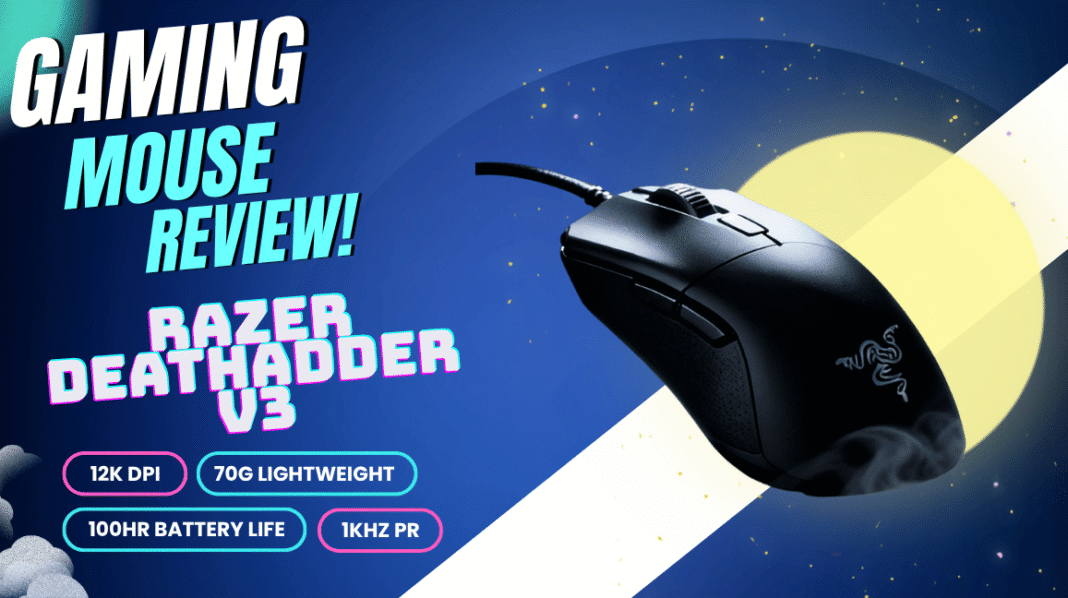
The Razer DeathAdder V3 is a wired, right-handed esports mouse that weighs about 59g and pairs the Focus Pro 30K optical sensor with up to 8000Hz polling and Gen-3 optical switches. It is built for competitive FPS players who want a proven ergonomic shape, very low weight and fast response, and who do not need RGB lighting or lots of extra buttons.
It continues the long-running DeathAdder line, refining the familiar shape while stripping out anything that does not help performance. This guide covers the specifications, how the shape suits different grips, what the sensor and polling rate actually mean in play, the setup steps worth doing in Razer Synapse, and who should consider an alternative instead.
Razer DeathAdder V3 Specifications at a Glance
| Feature | Details |
|---|---|
| Connection | Wired (Speedflex cable) |
| Weight | Approximately 59g |
| Shape | Ergonomic, right-handed |
| Best grips | Palm and claw |
| Sensor | Razer Focus Pro 30K optical |
| Maximum DPI | Up to 30,000 |
| Polling rate | Up to 8000Hz |
| Switches | Gen-3 optical, rated for around 90 million clicks |
| Feet | PTFE |
| Lighting | None |
| Software | Razer Synapse |
| Best suited to | FPS and other competitive titles |
Design and Ergonomics
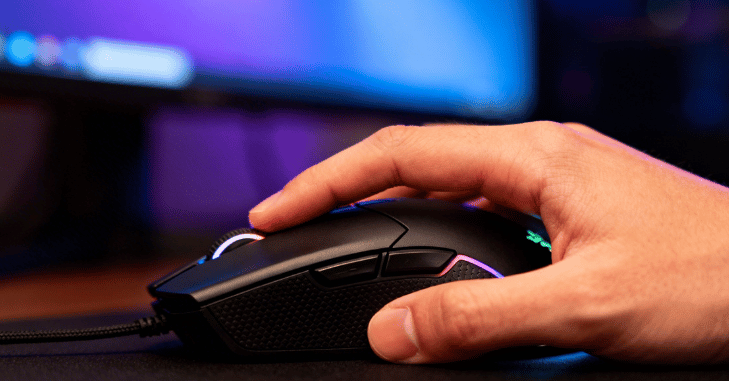
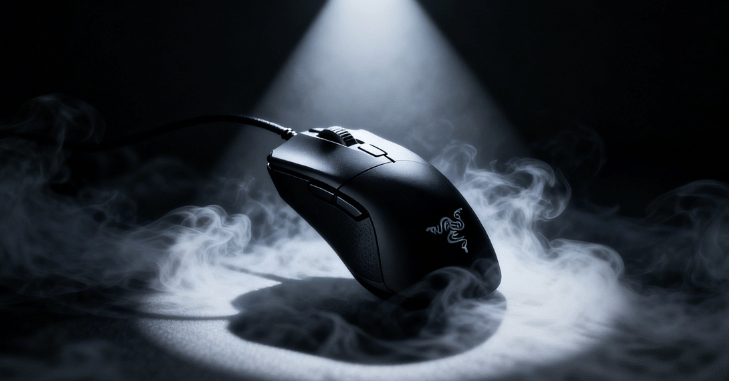
The DeathAdder V3 keeps the classic DeathAdder silhouette: a sculpted right-handed body with a raised back, a gentle slope towards the right side and a comfortable thumb groove on the left. Compared with older DeathAdders, the shell is slimmer and more angular, which takes weight off without losing the hand-filling feel the series is known for.
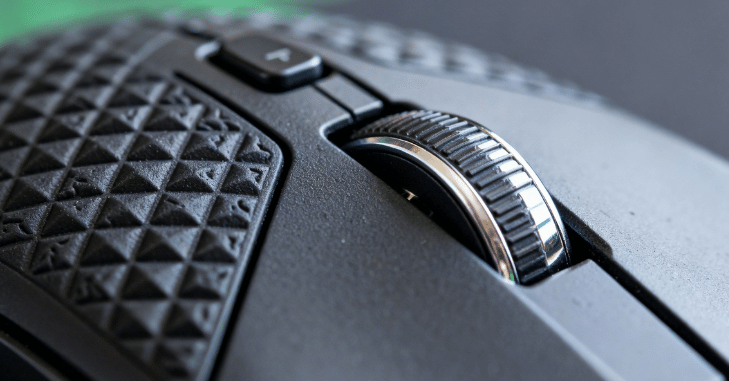
- Minimal layout: two main buttons, a scroll wheel and two side buttons, with the DPI control moved to the underside.
- Matte finish: a smooth coating that offers reasonable grip without feeling sticky.
- Thumb rest: shaped to position the thumb naturally for side-button access.
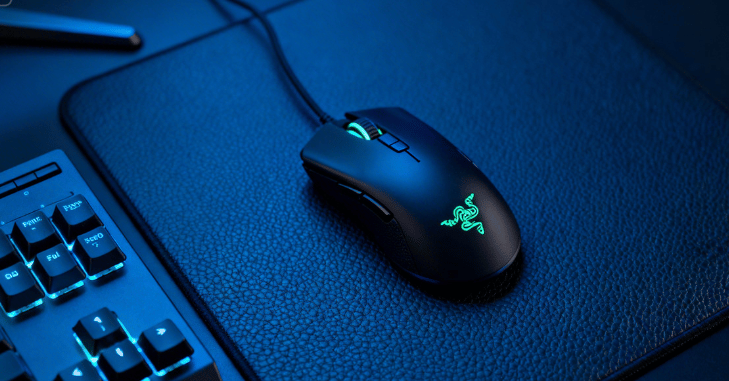
- No RGB: lighting is removed entirely to save weight and keep a clean, tournament-ready look.
Which Grip Does It Suit?
Palm grip users with medium to large hands tend to get the most from the shape, as the back fills the palm and the sides support the ring and little fingers. Claw grip also works well thanks to the raised rear hump. Fingertip players can use it, but those with smaller hands may find it too long. If you are unsure, compare your hand length with the mouse dimensions on the official product page, or try one in a shop before buying.
Sensor and Tracking Performance
The Focus Pro 30K optical sensor tracks accurately and consistently, even during fast swipes. Its headline figure of 30,000 DPI is far beyond what most players use; competitive FPS players commonly sit somewhere between 400 and 1600 DPI. What matters more is that tracking stays stable at those settings, with no jitter, acceleration or spin-outs.
- Up to 30,000 DPI, adjustable in fine steps through Synapse
- Consistent tracking at high speeds during flicks
- Adjustable lift-off distance, helpful for low-sensitivity players who lift and reset the mouse often
- Surface calibration to tune tracking to a specific mouse mat
8000Hz Polling: What It Really Means
Polling rate is how often the mouse reports its position to the computer. At the common 1000Hz, that is once per millisecond; at 8000Hz, it is eight times per millisecond. The result is lower input delay and smoother cursor movement, which can make micro-adjustments feel more precise, particularly on high-refresh-rate monitors.
There are trade-offs. Very high polling rates put more load on the CPU, and some older games or systems may stutter. A sensible approach is:
- Start at 1000Hz and get used to the mouse.
- Raise the polling rate to 2000Hz or 4000Hz and play a few sessions.
- Try 8000Hz if your PC and monitor handle it smoothly.
- Drop back if you notice frame drops or stutter, as a stable lower rate beats an unstable higher one.
Optical Switch Technology
Instead of a metal contact that physically closes, the Gen-3 optical switches register a click when a light beam is interrupted. This has practical benefits:
- Very fast click actuation with no debounce delay
- Resistance to the double-clicking faults that can develop in worn mechanical switches
- A rated lifespan of around 90 million clicks
- Crisp, consistent feedback across both main buttons
For competitive play, reliability matters as much as speed: every shot needs to register exactly once.
Build Quality and Glide
The Speedflex cable is soft and flexible, so it drags far less than a traditional braided cable. Pairing it with a mouse bungee brings the feel even closer to wireless. PTFE feet give a smooth, controlled glide on most cloth mats. Despite the low weight, the shell feels solid, with no creaking and no holes in the design. The balance point sits fairly centrally, so the mouse feels predictable when you lift and reposition it.
Gaming Performance by Genre
FPS Games
This is where the DeathAdder V3 is strongest. The low weight helps with fast flicks and quick target switching, while the stable sensor and high polling rate make tracking and recoil control feel precise in titles such as Valorant, Counter-Strike 2 and Apex Legends.
MOBA and Strategy Games
The mouse handles rapid clicking and camera movement well, and the comfortable shape suits long matches. You do lose the extra side buttons some players like for item or ability binds.
MMOs
With only two side buttons, it is not the right pick for MMO players who rely on large numbers of macros. A dedicated MMO mouse with a numbered side panel is a better fit.
Everyday Use
For browsing and office work, it is comfortable and accurate, although the lack of extra buttons and the wired connection make it less versatile than a general-purpose productivity mouse.
Software and Customisation
Razer Synapse lets you set DPI stages, polling rate, lift-off distance and surface calibration, and remap the buttons. Many players set up their preferred settings once and save them to the mouse’s onboard memory, so they carry over to other PCs, such as at a LAN event, without needing Synapse installed.
Quick Setup Checklist
- Install Synapse and check for firmware updates.
- Set one DPI stage at your preferred sensitivity and disable the others to avoid accidental changes.
- Calibrate the sensor to your mouse mat.
- Choose a polling rate your system runs smoothly.
- Turn off Windows “Enhance pointer precision” to avoid acceleration.
- Save the profile to onboard memory.
Pros and Cons
| Pros | Cons |
|---|---|
| Very light at around 59g | No RGB or visual customisation |
| Accurate Focus Pro 30K sensor | Only five buttons |
| Up to 8000Hz polling | Wired connection |
| Comfortable, proven ergonomic shape | Right-handed only |
| Durable optical switches | Not ideal for MMO players |
Who Should Buy the DeathAdder V3?
It is a strong choice if you play competitive shooters, use a palm or claw grip, have a right hand of medium to large size, and value low weight and responsiveness over features. If you want to cut the cable, the wireless DeathAdder V3 Pro offers the same core shape. If you are left-handed, prefer a small ambidextrous mouse or need lots of programmable buttons, look elsewhere. Pair it with a performance-focused graphics card and a high-refresh monitor to get the full benefit of the higher polling rates.
FAQs
What makes the Razer DeathAdder V3 good for gaming?
It combines a light 59g build with the Focus Pro 30K sensor, up to 8000Hz polling and optical switches. That mix gives fast, accurate and consistent performance, especially in competitive FPS games.
Is the DeathAdder V3 good for FPS games?
Yes. Its stable tracking, low input delay and light weight make flicks, tracking and recoil control feel precise. It is designed primarily with competitive shooters in mind.
Does the Razer DeathAdder V3 have RGB lighting?
No. Razer removed RGB lighting to save weight and keep the design focused on performance. If lighting matters to you, consider a different model.
Is the DeathAdder V3 wired or wireless?
The standard DeathAdder V3 is wired and uses a flexible Speedflex cable to reduce drag. A separate wireless model, the DeathAdder V3 Pro, is available if you prefer no cable.
Which grip is best for the DeathAdder V3?
It is a right-handed ergonomic mouse that suits palm and claw grips best, particularly for medium to large hands. Fingertip grip users with smaller hands may find it a little long.
Do I need 8000Hz polling?
Not necessarily. Many players are happy at 1000Hz, and 8000Hz needs a capable CPU to run smoothly. It can feel slightly smoother on high-refresh monitors, so it is worth testing on your own system.
Final Thoughts on the Razer DeathAdder V3
The DeathAdder V3 does a small number of things very well: it is light, comfortable for right-handed palm and claw grips, accurate and quick to respond. If you play competitive shooters and want a no-frills mouse, it deserves a place on your shortlist. Set it up carefully in Synapse, choose a polling rate your PC can handle, and it will serve you well.
Building or upgrading a gaming PC? Read our Gigabyte X670E Aorus Pro X guide or browse more in our Tech category.