
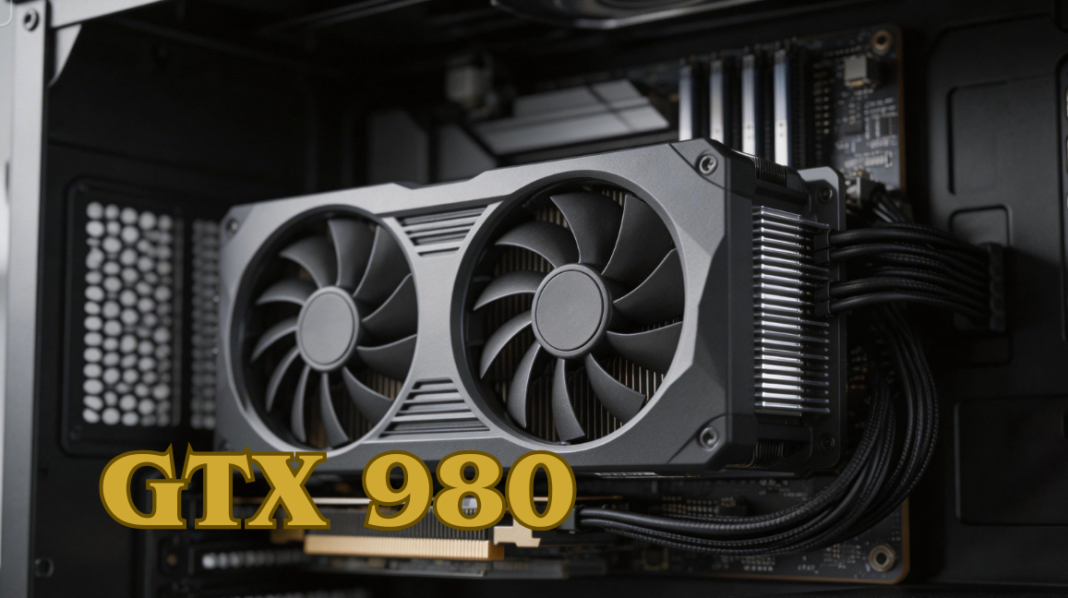
The GTX 980, launched by NVIDIA in 2014, remains a standout graphics card in the high-end segment of its generation, known for combining power, efficiency, and versatility. Built on NVIDIA’s Maxwell architecture, it was designed to deliver smooth 1080p and 1440p gaming, handle VR applications, and support content creation workloads such as video editing and 3D rendering.
With features like G-SYNC, ShadowPlay, and Dynamic Super Resolution (DSR), the GTX 980 ensures crisp visuals, reduced screen tearing, and easy gameplay recording. Even today, it offers excellent value for budget-conscious gamers and enthusiasts who want reliable performance without investing in modern, more expensive GPUs.
This guide covers everything about the GTX 980, from detailed specifications and benchmarks to overclocking tips, power consumption, cooling solutions, and optimal game settings to maximize your experience.
| GTX 980 | Specification / Details |
| GPU Architecture | Maxwell |
| CUDA Cores | 2048 |
| Base Clock Speed | 1126 MHz |
| Boost Clock Speed | 1216 MHz |
| Memory | 4GB GDDR5 |
| Memory Bus | 256-bit |
| Memory Speed | 7 Gbps |
| TDP (Thermal Design Power) | 165W |
| Recommended PSU | 500W or higher |
| Power Connectors | 1 x 6-pin + 1 x 8-pin PCIe |
| Display Outputs | 3 x DisplayPort 1.2, 1 x HDMI 2.0, 1 x Dual-Link DVI |
| Maximum Resolution | 4096 x 2160 |
| NVIDIA Features | G-SYNC, ShadowPlay, DSR, NVIDIA Surround |
| Gaming Performance (1080p) | High to Ultra settings, 60+ FPS in modern titles |
| Overclocking Potential | 5–15% performance boost possible |
| Cooling Options | Reference blower, aftermarket air coolers, and custom liquid cooling |
| Ideal For | 1080p gaming, 1440p moderate gaming, esports, VR, content creation |
| Power Efficiency | Lower heat output than GTX 780/770, reduced electricity usage |
What is the GTX 980?
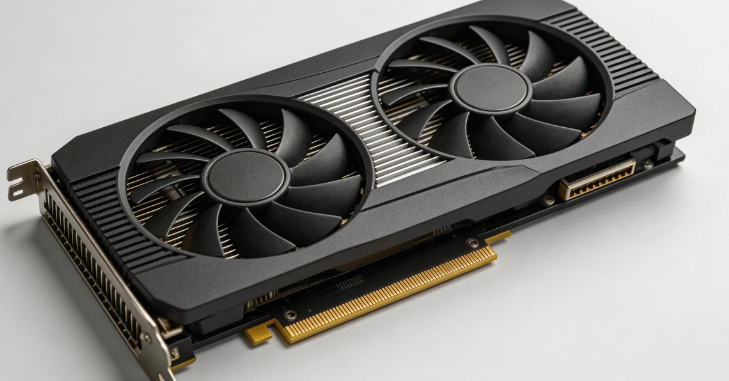
The GTX 980 is a high-performance graphics card from NVIDIA, built on the Maxwell architecture, designed to deliver smooth gaming and multimedia experiences. Launched in September 2014 as the flagship of the 900 series, it brought advanced features such as efficient power management, support for DirectX 12, and NVIDIA technologies like G-SYNC for tear-free gameplay and ShadowPlay for easy recording.
With its focus on high-end gaming at 1080p and 1440p resolutions, the GTX 980 combines strong performance with notable power efficiency, making it a popular choice for budget-conscious gamers seeking reliable performance without the expense of modern top-tier GPUs.
Specifications
- GPU Architecture: Maxwell
- CUDA Cores: 2048
- Base Clock Speed: 1126 MHz
- Boost Clock Speed: 1216 MHz
- Memory: 4GB GDDR5
- Memory Bus: 256-bit
- Memory Speed: 7 Gbps
- TDP (Thermal Design Power): 165W
Display & Connectivity
- Outputs: 3 x DisplayPort 1.2, 1 x HDMI 2.0, 1 x Dual-Link DVI
- Maximum Resolution: 4096 x 2160
NVIDIA Features
- G-SYNC: Smooth gameplay with reduced screen tearing
- Dynamic Super Resolution (DSR): Higher-quality visuals
- ShadowPlay: Record and stream gameplay easily
- Multi-Display Support: NVIDIA Surround for multiple monitors
Performance
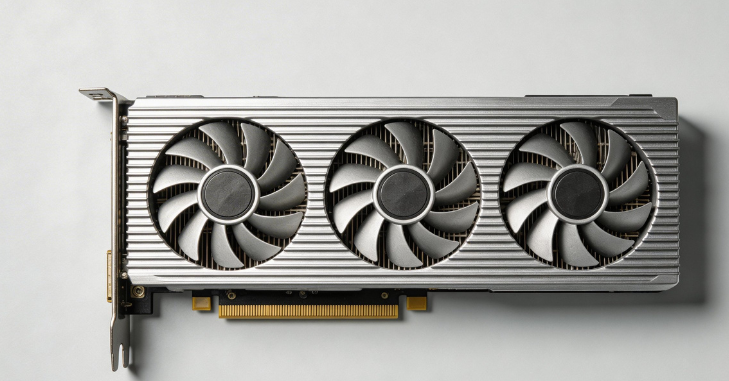
The GTX 980 remains capable of delivering smooth gameplay for most modern titles. At 1080p resolution, it handles high to ultra settings effortlessly, while at 1440p, medium to high settings provide a balanced experience. VR gaming and older esports titles also run exceptionally well, making the card versatile for different types of gamers.
One of the key strengths of the GTX 980 is its ability to maintain consistent frame pacing even in graphically demanding environments, which results in a smoother overall gaming experience compared to many lower-tier GPUs of its time. Its 4GB GDDR5 memory still handles texture-heavy games reasonably well at 1080p, though newer AAA titles may require reduced settings to avoid memory limitations. This balance of stability and efficiency is what keeps the GTX 980 relevant for casual and budget-focused gamers even today.
Gaming Performance Highlights
- Smooth 60+ FPS in demanding titles like The Witcher 3, Far Cry 5, and Shadow of the Tomb Raider at 1080p.
- Medium to high settings at 1440p for modern AAA games.
- Excellent performance in VR applications and older esports titles.
Benchmarks at 1080p
- GTA V: 70–90 FPS
- Far Cry 5: 60–80 FPS
- The Witcher 3: 55–75 FPS
- CS:GO: 200+ FPS on high settings
Esports Performance
It excels in competitive esports titles such as Valorant, CS: GO, and League of Legends, maintaining very high frame rates even on ultra settings, ensuring smooth and responsive gameplay.
Overclocking the GTX 980
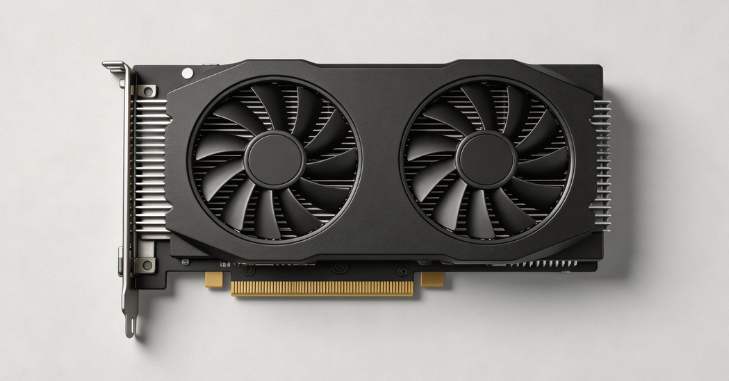
Overclocking the GTX 980 can give your GPU a noticeable boost in performance, allowing for smoother gameplay and higher frame rates in demanding titles. By pushing the core and memory clocks beyond factory settings, gamers and enthusiasts can achieve up to 5–15% extra performance. However, careful tuning and monitoring are essential to avoid instability or overheating.
Overclocking Tools
Several reliable tools can help you safely overclock. MSI Afterburner is a popular choice for adjusting core speeds, memory clocks, and fan curves. EVGA Precision X provides intuitive controls and real-time monitoring for NVIDIA GPUs. NVIDIA Inspector is a lightweight option for more detailed clock and memory adjustments.
Overclocking Tips
When overclocking, increase the core clock gradually in small increments of 10–15 MHz and monitor temperatures closely. Keep your GPU temperature ideally below 80°C to ensure safe operation. Slowly raise the memory clock to improve texture performance and always test stability after each change using benchmarks like 3DMark or Unigine Heaven.
Precautions
Overclocking carries risks if not done carefully. Avoid excessive voltage increases, which can damage your GPU. Ensure your PC case has good airflow to maintain stable temperatures. Most importantly, test after every incremental adjustment to confirm that the overclock is stable and your system remains reliable.
Cooling Solutions
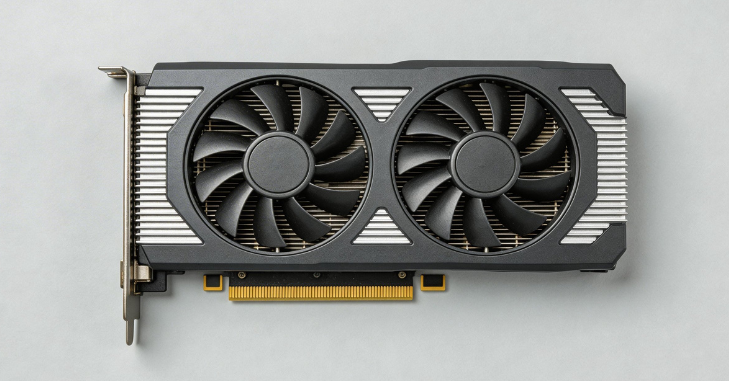
Cooling Types
- Reference (Founders Edition): Single fan blower design, directs hot air out of the case
- Aftermarket Air Coolers: Dual or triple fan designs and larger heat sinks for better heat dissipation
- Liquid Cooling (Custom Loops): Offers the lowest temperatures for extreme overclocking
Tips for Efficient Cooling
- Ensure adequate case airflow with intake and exhaust fans
- Clean dust filters and fans regularly
- Consider aftermarket coolers for quieter operation and better thermal performance
Power Consumption & Efficiency
The GTX 980 stands out for its impressive power efficiency, thanks to NVIDIA’s Maxwell architecture. With a typical power draw of 165W and requiring a recommended 500W or higher PSU, it connects via 1 x 6-pin and 1 x 8-pin PCIe power connectors.
This efficiency translates into lower heat output compared to previous-generation GPUs like the GTX 780 and 770, reduced electricity usage during long gaming sessions, and easier thermal management without the need for high-end cooling solutions.
Best Settings for Modern Games
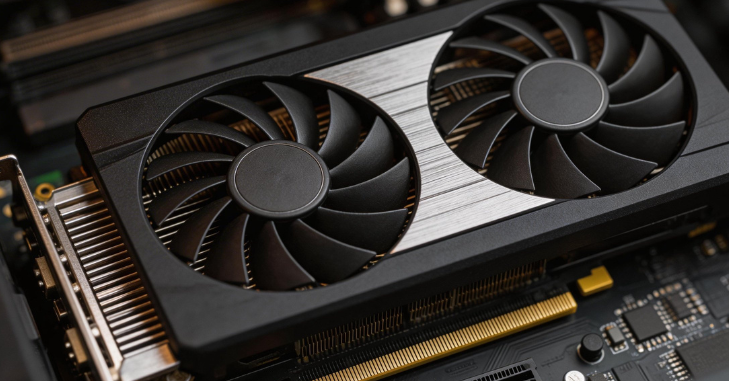
Even with older hardware, optimizing in-game settings can provide the best balance of performance and visual quality.
- Texture Quality: High
- Shadows: Medium to High
- Anti-Aliasing: FXAA or TAA
- V-Sync: Optional (depending on monitor refresh rate)
- Post-Processing Effects: Medium
- Texture Quality: Medium to High
- Shadows: Medium
- Anti-Aliasing: FXAA
- Effects & Particles: Medium
- Ambient Occlusion: SSAO
Tips
- Use NVIDIA GeForce Experience to optimize game profiles
- Enable G-SYNC if supported to reduce screen tearing
- Monitor FPS and adjust settings to maintain 60+ FPS for smooth gameplay
Alternatives & Upgrades
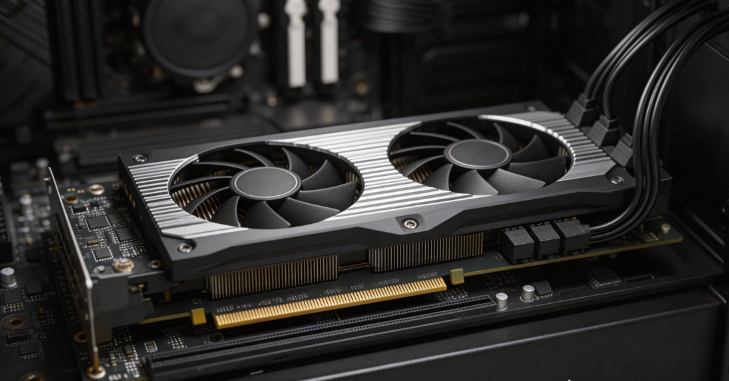
- Higher VRAM (6GB+)
- Support for newer APIs and DirectX 12 features
- Better performance at 1440p and 4K resolutions
Conclusion
The GTX 980 remains a remarkable graphics card for gamers and content creators who want strong performance at 1080p and moderate 1440p resolutions without breaking the bank. Its Maxwell architecture delivers excellent power efficiency, solid overclocking potential, and reliable cooling options, making it ideal for both everyday gaming and competitive esports.
By understanding the GTX 980 specifications, power consumption, cooling solutions, and optimal settings for modern games, users can maximize performance, maintain stable frame rates, and enjoy smooth, immersive gameplay even in demanding titles. For those looking for a budget-friendly yet capable GPU, it continues to offer value, versatility, and longevity in today’s gaming landscape.
Want to know about 1440p OLED Monitors: Advanced Performance, Ultra-Clear Visuals, and Next-Level Gaming Precision Check out our Tech category.
FAQs
In terms of gaming performance, the GTX 980 can handle almost every game available today at a resolution of 2560×1440.
NVIDIA GeForce 4GB GDDR5 PCIe 3.0 x16 SLI DVI/HDMI/DP Gaming Graphics Card Advanced GPU.
For a 4K monitor, you actually need two GTX 980s.
In terms of features, the RTX series is clearly better than the GTX.