

Introduction
The Acer Aspire 3 is a budget-friendly laptop designed for everyday tasks like browsing, document editing, and light gaming. With options like Intel or AMD processors, 4GB to 16GB of RAM, and a 15.6-inch Full HD display, it offers solid performance.
This article explores the Acer Aspire 3’s specifications, design, speed, battery life, and more, providing a comprehensive overview of its features, price, and customer feedback.
| Basics | Specifications |
| Processor | Intel Core i3/i5 or AMD Ryzen |
| RAM | 4GB to 16GB DDR4 |
| Storage | 256GB SSD or 1TB HDD |
| Display | 15.6-inch Full HD (1920×1080) with anti-glare coating |
| Graphics | Integrated Intel UHD or AMD Radeon Vega |
| Design | Sleek, lightweight, plastic chassis |
| Weight | 1.9 kg (4.2 lbs) |
| Operating System | Windows 10 or Windows 11 |
| Connectivity | Wi-Fi 5, Bluetooth 4.2 |
| Price | Starts at $399 (varies by configuration) |
| Color Options | Black, silver, blue |
| Multitasking | Efficient with 4GB to 16GB RAM for light tasks |
| Audio | Stereo speakers for clear audio |
| Gaming | Suitable for light gaming, not for high-end games |
Reliable Everyday Performance in a Budget Laptop
The Acer Aspire 3 series has long been known as a dependable budget-friendly laptop option that balances everyday performance with practicality, making it suitable for students, professionals, and casual users alike. These laptops typically feature a 15.6-inch Full HD display, solid-state storage, and a range of processors — from efficient Intel Core and AMD Ryzen chips to integrated Radeon or Intel UHD graphics — that handle routine tasks like web browsing, document editing, and video streaming with ease. While not designed for demanding gaming or heavy creative workloads, the Aspire 3’s hardware configuration ensures smooth operation for standard productivity and entertainment needs. Additional features such as multiple USB ports, HDMI connectivity, and Wi-Fi support enhance its versatility, allowing users to stay connected and productive across everyday scenarios without breaking the bank.
Basics Specifications
The Acer Aspire 3 comes with an Intel Core or AMD Ryzen processor, 4GB to 16GB of RAM, and storage options, including SSD and HDD configurations. It is equipped with integrated graphics and a 15.6-inch Full HD display. With its lightweight design and versatile performance, it caters to various user needs.
Processor
The Acer Aspire 3 is powered by Intel Core i3/i5 or AMD Ryzen processors, providing a balance between power and efficiency. These processors handle basic computing tasks like browsing, document editing, and light multitasking with ease. While not designed for high-end tasks, it performs well for everyday use.
RAM and Storage
The Acer Aspire 3 typically offers 4GB or 8GB of DDR4 RAM, with configurations up to 16GB for improved multitasking. For storage, it includes either a 256GB SSD or a 1TB HDD. The SSD ensures faster boot times and file transfers, while the HDD offers ample storage for files and media.
Design
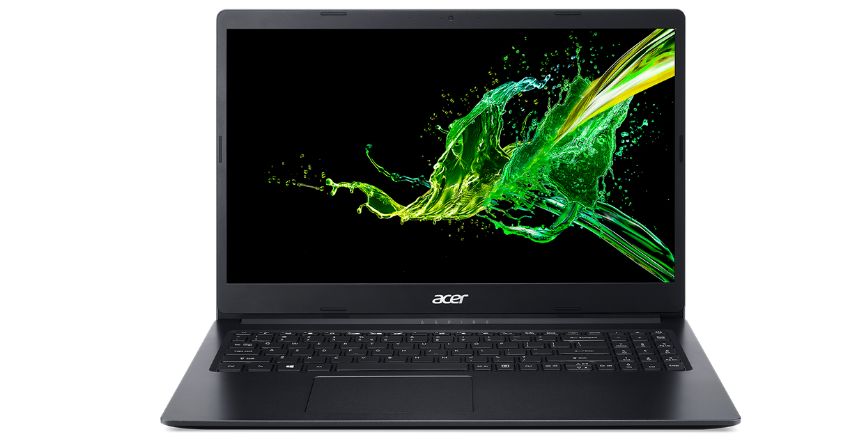
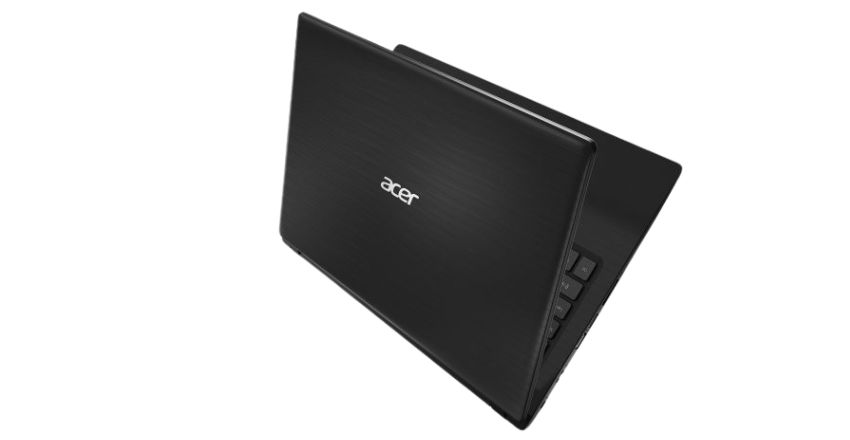
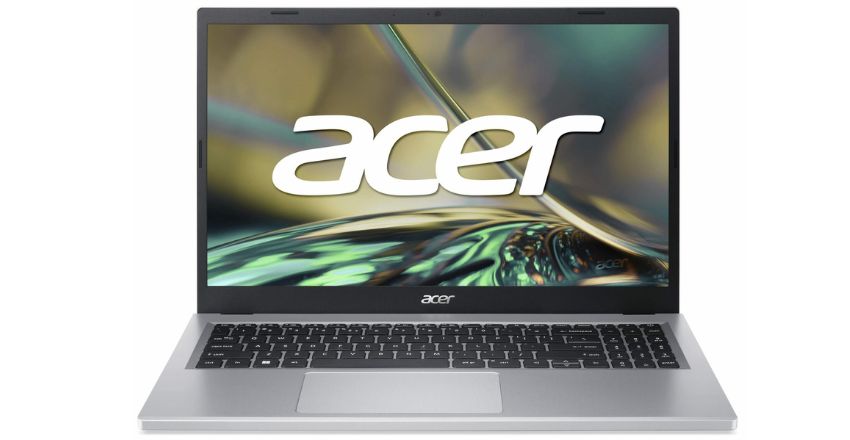
The Acer Aspire 3 features a sleek and minimalist design, making it an attractive choice for students and professionals. Its lightweight build ensures portability, and the slim bezels around the display enhance the viewing experience. The plastic chassis is durable, making it suitable for daily use.
Power
Equipped with a long-lasting battery, the Acer Aspire 3 delivers up to 8 hours of usage on a single charge. This ensures uninterrupted productivity during work or study sessions. Its energy-efficient processors further contribute to prolonged battery life, making it an ideal choice for on-the-go use.
Speed
The Acer Aspire 3 offers satisfactory speed for its price range. The combination of SSD storage and DDR4 RAM ensures quick boot-ups, smooth app launches, and efficient multitasking. While it may not compete with high-end laptops, it provides adequate performance for everyday tasks.
Gaming
The Acer Aspire 3 is not designed for hardcore gaming but can handle light gaming with its integrated Intel UHD or AMD Radeon Vega graphics. Games like Minecraft or older titles run smoothly at lower settings. For demanding games, consider upgrading to a dedicated gaming laptop.
Comparison
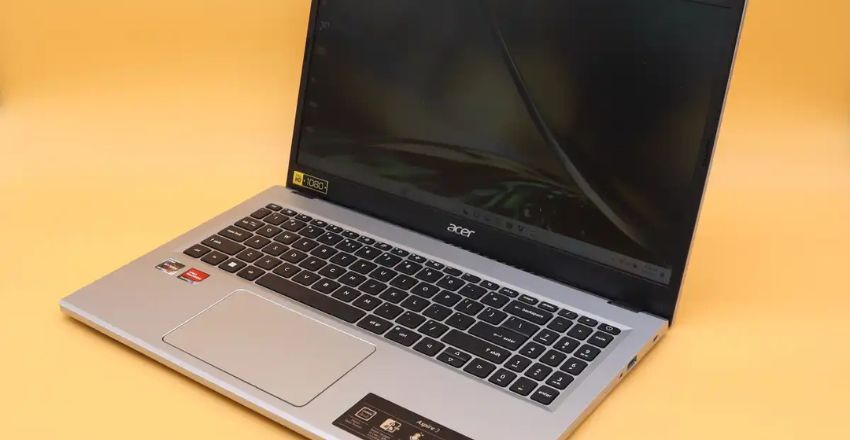
Compared to similar budget laptops, the Acer Aspire 3 stands out for its reliable performance and affordability. While it may lack advanced features like a backlit keyboard or high refresh rate display, it delivers better storage options and battery life than many competitors in its class.
Specifications
The Acer Aspire 3 includes:
- Processor: Intel Core i3/i5 or AMD Ryzen
- Graphics: Integrated Intel UHD or AMD Radeon Vega
- RAM: 4GB to 16GB DDR4
- Storage: 256GB SSD or 1TB HDD
- Display: 15.6-inch Full HD
Display and Resolutions
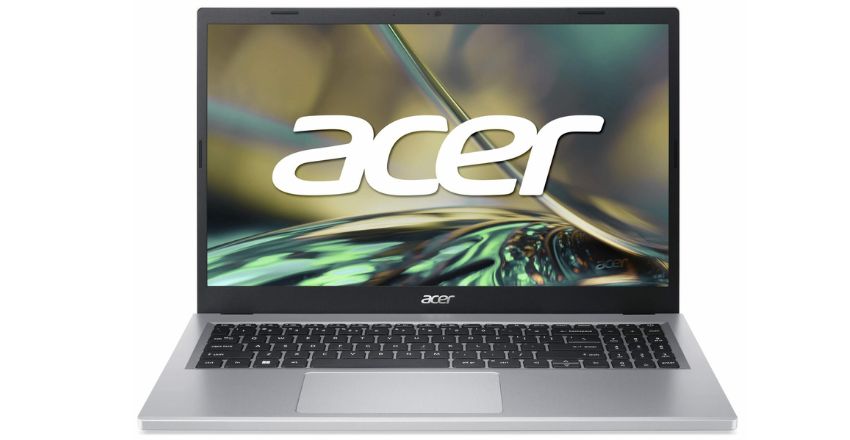
The Acer Aspire 3 features a 15.6-inch Full HD (1920×1080) display. This resolution provides sharp visuals for watching videos, browsing, or working on documents. Its anti-glare coating reduces reflections, ensuring comfortable usage in bright environments.
Graphics and Audio
The Acer Aspire 3 is equipped with integrated Intel UHD or AMD Radeon Vega graphics, suitable for casual tasks and light gaming. Its stereo speakers provide clear audio, making it ideal for online classes, video calls, and multimedia consumption.
Sensitivity
The touchpad and keyboard of the Acer Aspire 3 are responsive, ensuring smooth navigation and typing. The keyboard is comfortable for long typing sessions, while the multi-touch-enabled touchpad offers precision, enhancing overall productivity.
Portable
Weighing approximately 1.9 kg (4.2 lbs), the Acer Aspire 3 is lightweight and easy to carry. Its compact design makes it suitable for students and professionals who need a laptop for travel or daily commutes. Despite its portability, it offers solid build quality.
Color Variations
The Acer Aspire 3 is available in classic colors like black, silver, and blue. These neutral and stylish shades suit different preferences, making them a versatile choice for users of all ages.
Availability
The Acer Aspire 3 is widely available in retail stores and online platforms like Amazon, Best Buy, and Acer’s official website. Frequent discounts and promotions make it accessible for budget-conscious buyers.
Durability and Innovations
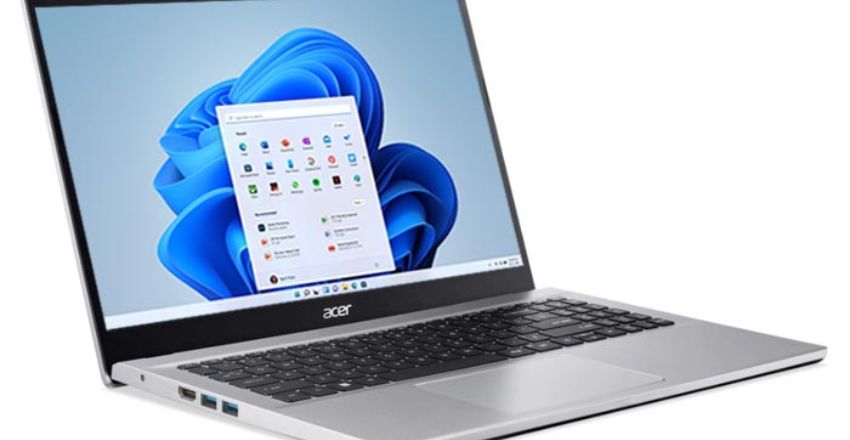
Despite its budget price, the Acer Aspire 3 offers a sturdy build. Its reliable components ensure longevity, while innovations like an ergonomic hinge design improve airflow and typing comfort. This focus on durability makes it a trusted option for everyday use.
Operating System Support
The Acer Aspire 3 runs on Windows 10 or Windows 11, providing compatibility with most applications and software. This ensures users can stay updated with the latest features and security enhancements, improving overall user experience.
Multitasking
With its 4GB to 16GB RAM options, the Acer Aspire 3 handles light multitasking efficiently. It allows users to run multiple applications, like browsing, streaming, and document editing, without significant slowdowns, catering to casual multitaskers.
Backup
The Acer Aspire 3 supports cloud backup solutions like OneDrive and Google Drive. Additionally, its USB ports allow for quick connection to external drives, ensuring data safety and accessibility at all times.
Manufacturer
Acer, a trusted name in the computing industry, manufactures the Acer Aspire 3. Known for delivering reliable and affordable laptops, Acer continues to serve a broad range of users, from students to professionals.
Internet Protocols
The Acer Aspire 3 supports Wi-Fi 5 and Bluetooth 4.2, ensuring stable wireless connectivity. These protocols provide seamless internet access for streaming, video conferencing, and online work.
Price
The Acer Aspire 3 starts at around $399, depending on the configuration. Its affordability makes it an excellent choice for budget-conscious users who need reliable performance for daily tasks.
Price Hacks
To save on the Acer Aspire 3, look for seasonal sales on platforms like Amazon or local electronics stores. Refurbished models or student discounts can also help lower costs, offering excellent value for money.
Customer Experience and Reviews
Users appreciate the Acer Aspire 3 for its affordability, decent performance, and lightweight design. While some mention its limited gaming capability, most agree it offers excellent value for everyday computing tasks, making it a popular choice.
Conclusion
In conclusion, the Acer Aspire 3 is a reliable, budget-friendly option for users seeking a laptop for everyday tasks. With solid performance, decent speed, and a sleek design, it’s ideal for students and professionals alike. While it may not excel in gaming, the Acer Aspire 3 offers great value for general use at an affordable price.
Apart from that if you want to know about “The Ultimate Guide to 4K Laptops: Everything You Need to Know” then please visit our “Tech” Category.
FAQs
The Acer Aspire 3 starts at around $399, depending on the configuration.
The Acer Aspire 3 comes with Intel Core i3/i5 or AMD Ryzen processors.
The Acer Aspire 3 features a 15.6-inch Full HD display.
The Acer Aspire 3 is a popular choice for students due to its affordable price, decent performance, and practical features for study and daily use.
Many Acer Aspire 3 models include SSD storage, which helps improve boot times and overall system responsiveness.