
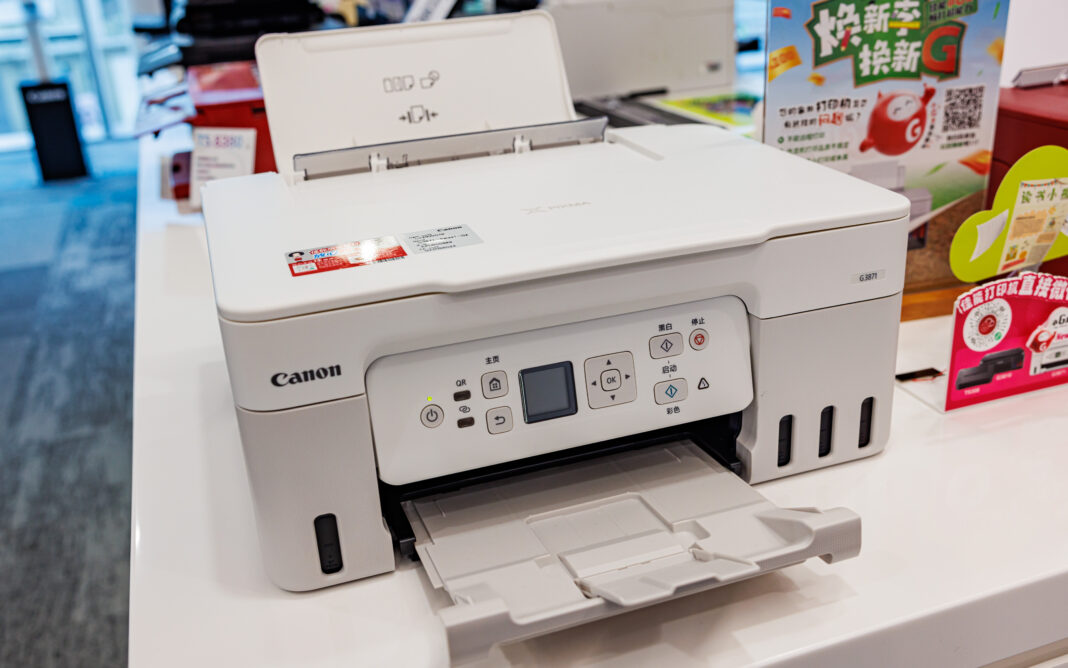
The modern workplace relies on more than just printing. Documents are scanned, shared, stored, archived and distributed across multiple locations every day. As a result, many organisations are replacing standalone printers with multifunction printers (MFPs) that combine several essential business functions into a single device.
While most multifunction printers offer printing, scanning and copying capabilities, the differences between models can be significant. Features that improve productivity, strengthen security and support hybrid working can have a major impact on long-term value.
For businesses evaluating new office equipment, understanding which features genuinely matter can help ensure the right decision is made from the outset.
Understanding the Role of Multifunction Printers
Multifunction printers have evolved considerably in recent years: what was once viewed simply as a way to consolidate office equipment has become an important part of document management and workplace productivity. Today’s systems often serve as central hubs for document workflows, helping employees capture, process and distribute information more efficiently.
As businesses continue to balance physical and digital processes, multifunction devices can support both traditional printing requirements and broader digital transformation initiatives.
Print Speed and Performance
One of the first specifications organisations typically examine is print speed. While pages per minute (PPM) figures can provide a useful indication of performance, businesses should view speed within the context of their actual requirements.
Matching Performance to Workload
A small office with modest printing needs may not require the fastest device available. However, larger teams producing substantial document volumes can quickly experience delays if equipment struggles to meet demand.
Factors worth considering include:
- Average monthly print volume
- Peak usage periods
- Number of regular users
- Departmental requirements
Selecting a device aligned with expected workloads can help avoid bottlenecks and maintain productivity.
First Page Output Time
Businesses should also consider first page output times rather than focusing solely on overall speed. For many office environments, reducing wait times for individual jobs can have a meaningful impact on day-to-day efficiency.
Advanced Scanning Capabilities
For many organisations, scanning is as important as printing: modern businesses increasingly rely on digital documents, so they need efficient ways to convert physical paperwork into electronic formats.
Scan-to-Destination Features
Today’s multifunction printers often support scanning directly to:
- Network folders
- Cloud storage platforms
- Document management systems
- USB devices
These capabilities can reduce administrative workloads and accelerate information sharing.
Optical Character Recognition (OCR)
Optical Character Recognition technology allows scanned documents to become searchable and editable. This feature can be particularly valuable for organisations that manage large volumes of contracts, invoices, customer records or compliance documentation.
By improving document accessibility, OCR can help employees locate information more quickly and reduce reliance on paper records.
Cloud and Mobile Connectivity
Workplace flexibility has become increasingly important. Employees may work from multiple locations throughout the week, making seamless access to documents and printing resources a priority.
Cloud Integration
Many modern multifunction printers integrate with popular cloud platforms, allowing users to access and store documents without relying solely on local infrastructure.
Common integrations may support:
- Microsoft 365
- Google Workspace
- Dropbox
- OneDrive
- SharePoint
Cloud connectivity can simplify collaboration while supporting hybrid working practices.
Mobile Printing
Mobile printing capabilities allow employees to print documents directly from smartphones, tablets and laptops. This flexibility can be particularly useful for visiting staff, remote workers and organisations with hot-desking arrangements.
Security Features That Shouldn’t Be Overlooked
Printers are often connected directly to business networks, making security an essential consideration. Despite this, print security is frequently overlooked during procurement decisions.
User Authentication
Authentication features help ensure only authorised users can access the device.
This may include:
- PIN codes
- Swipe cards
- User credentials
- Single sign-on integration
Restricting access can help reduce unauthorised usage and improve document security.
Secure Print Release
Secure print functionality prevents sensitive documents from being left unattended in output trays: instead, jobs are only released once the user has authenticated themselves at the device. For organisations handling confidential information, this feature can provide significant benefits.
Data Protection
Many modern multifunction printers offer:
- Encrypted data storage
- Secure hard drive erasure
- Access controls
- Audit logs
These capabilities can help organisations align print infrastructure with broader cyber security and compliance objectives.
Workflow Automation Tools
One of the most valuable advantages of modern multifunction devices is their ability to automate routine processes.
Reducing Manual Tasks
Workflow automation may allow users to:
- Route documents automatically
- Categorise scanned files
- Apply standard naming conventions
- Send documents to specified destinations
- Trigger approval processes
These features can improve consistency while reducing the time employees spend on repetitive administrative work.
Supporting Digital Transformation
Research and guidance on print management highlights the role that automation, secure print controls and streamlined document workflows can play in improving efficiency across modern workplaces. Features such as secure print release, workflow automation and centralised document handling can help reduce administrative overhead while supporting productivity and information security.
As businesses continue to modernise workflows, automation capabilities can become an increasingly important selection criterion.
Ease of Use Matters
Even highly capable systems can create frustration if they are difficult to operate.
Businesses should evaluate:
- Touchscreen usability
- Menu navigation
- Customisable shortcuts
- Accessibility features
- User training requirements
An intuitive interface can encourage adoption while reducing support requests and training costs.
Supporting Multiple User Groups
Different departments may have different requirements and modern interfaces often allow users to customise workflows based on their role, helping improve efficiency across the organisation.
Assessing Running Costs
The cheapest device is not always the most economical option.
Businesses should consider:
- Toner consumption
- Energy usage
- Maintenance requirements
- Service agreements
- Device lifespan
Evaluating total cost of ownership can provide a more accurate picture of long-term value.
Reliability should be a major consideration, particularly for organisations where document workflows play a critical role in daily operations.
Choosing the Right Multifunction Printer
Every workplace has unique requirements: some organisations may prioritise high-volume printing, while others focus on scanning capabilities, cloud integration or security features. The most effective approach is to identify the functions that directly support business objectives and evaluate potential devices accordingly.
Businesses exploring available options can review a range of multifunction office printers designed to support productivity, document management and day-to-day operational efficiency.
Looking Beyond Print
The role of the office printer has expanded significantly beyond producing paper documents.
Modern multifunction printers can support collaboration, strengthen security, streamline workflows and improve access to information across the organisation. By selecting a device that balances performance, functionality and long-term value, businesses can create a more efficient and productive working environment while supporting future growth.